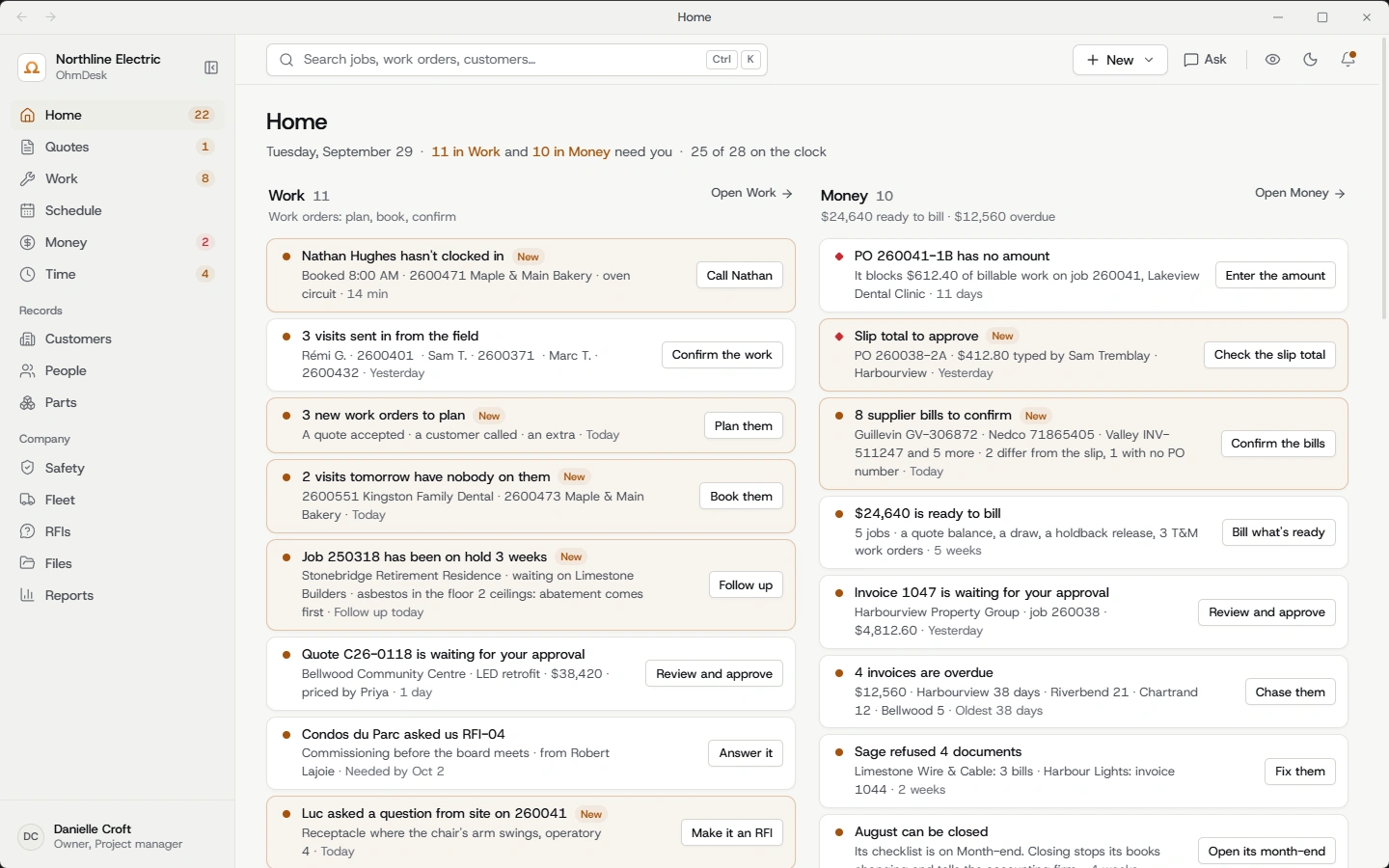
OhmDesk on your desktop.
The office’s screens in a program of their own on Windows: its icon in the taskbar, its own window, no browser tabs to lose it in. The same account and the same screens as the website.
Windows
Download for WindowsWindows 10 or 11 · about 110 MB
The first time, Windows says it “protected your PC”: press More info, then Run anyway. The installer isn’t signed yet, so Windows doesn’t know who made it. The signed version is on its way, and the app will update to it by itself.
- The account you already have
- Sign in once and it stays signed in on that computer. Nothing to set up again.
- It updates itself
- A new version is fetched quietly and goes in the next time you close it. The screens inside are always the newest.
- Two windows, side by side
- Right-click a job and open it in a window of its own while you price another.
- It says when it can't reach OhmDesk
- If the internet drops, it tells you so and comes back by itself.
On a Mac, the office runs in your browser at app.ohmdesk.com. The crew’s app is on the App Store.
Try it on your next job.
Set up your company, send a real quote and book your crew’s week. Free for 14 days, no credit card.